Jump to a section 5 sections
Understand the idea
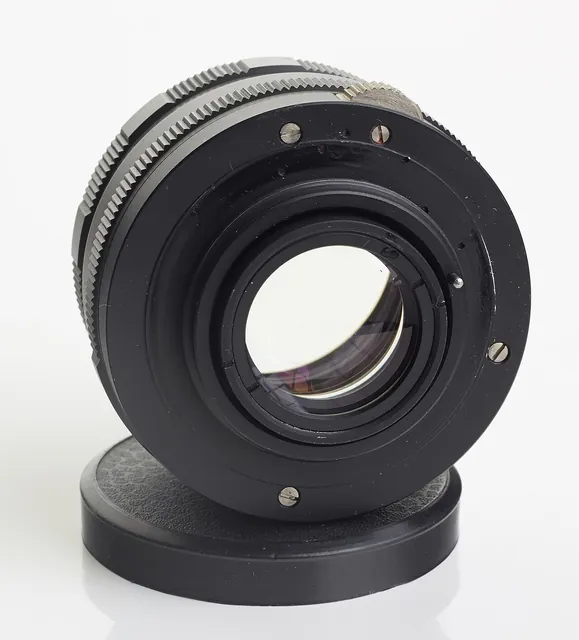
Camera equipment rental lets you use a particular body, lens or lighting setup for a defined project without buying it first. It can also help you try equipment before deciding whether it fits the way you work. The key is to specify the job clearly: a still portrait session, an interview and a close-up product shoot require different combinations. Compatibility matters across the whole kit, from lens mount to batteries and supports. Give yourself time to check the equipment and practise its basic operation before the important moment, especially if the rental is replacing tools you normally use.
Describe the result you need to capture
Begin with the project rather than a list of expensive equipment. Explain whether you are photographing people, recording an interview, filming movement or making close-up images of objects. Include the working space, lighting conditions and equipment you already own. A knowledgeable rental provider can then discuss a suitable combination and identify missing pieces. If you mainly want to test a product before buying, say so and ask what the hire allows you to evaluate. The useful outcome is learning whether it suits your work, not collecting specifications you will never use.
Check compatibility across the complete setup
A lens must suit the camera system, but compatibility questions also extend to batteries, media, chargers, mounts and any adapters. Give the supplier exact model names rather than assuming a shared brand guarantees a match. For video, explain whether you need external audio, continuous power or a particular support arrangement. For lighting, clarify how the camera will trigger or work with the chosen equipment. Ask the supplier to confirm the proposed kit as a whole, especially where you are combining rented components with your own older equipment or accessories.
Allow time for handover and a trial
Collection is the moment to inspect the kit, identify every component and ask about operation. Check that the supplied equipment powers on and that you can carry out a small test relevant to your project. Record existing cosmetic damage with the provider and verify the list of cases, caps, cables and chargers. An unfamiliar menu or missing cable is much easier to deal with before leaving the rental desk. If the shoot matters, arrange enough time for a practice setup rather than collecting the equipment immediately before participants arrive.
Think about support, power and transport
A camera and lens are only part of a working arrangement. Consider how the kit will be carried, supported and powered throughout the session, and ask which accessories are included or hired separately. For a longer shoot, discuss the number of batteries and charging opportunities rather than assuming one battery is enough. Lighting and support equipment can be bulky even when the camera is small. If the provider offers delivery, confirm the handover and collection details. A simple kit you can handle comfortably often saves more trouble than adding unfamiliar components late.
Read the rental window and return process
Confirm the exact start and end of the hire, how late returns are treated and the procedure if equipment develops a fault. Understand the provider's damage and loss terms without assuming your existing cover applies. Before returning recording equipment, transfer your work using an appropriate process and follow the supplier's instructions for supplied storage media and settings. Repack against the original item list. For searches, name the camera system, lens type or lighting need and add rental; a photographic shop may sell equipment without operating a rental service.
You might also like to explore
Camera store
Camera shops can help compare bodies, lenses, lighting and accessories around the photographs you want to make.
Photography store
Camera shops can help compare bodies, lenses, lighting and accessories around the photographs you want to make.
Camera people
Videographers and film-production companies deliver different levels of planning, filming and editing.
Open a guide to see what it involves and find a more specific search.